


Discover how our functional app features can improve your experience

User-friendly interface
Our website has an intuitive and easy-to-use interface for users of all technical skills.

Good download speed
Our platform is highly optimized with increased download speed, even while downloading multiple files.

Free to use
You can benefit from our service and all its tools for free.

Download Instagram content with no effort via
instatools
instatools website is a tool that allows users to easily download photos, videos, and reels and save captions from Instagram. Users can quickly and easily save content to their devices for later viewing or sharing.
Our service is free and simple to use, requiring only a link to the Instagram post to start the downloading process. Moreover, users can save and keep a collection of their favorite Instagram content to view later without having to rely on internet connectivity.
- No login required
- Simple Interaction
Easily download and save your favorite Instagram content via instatools

Download Instagram Reels
Reel Downloader enables easy download of Reels, keeping the original quality


Copy Instagram Profile's Bio Text
You easily copy captions from Instagram posts with our Caption Saver tool

Download Instagram Profile Pictures
You can effortlessly download and save profile photos via the Profile Picture Downloader tool
Stay updated with the latest
Instagram news
25 Jul
Instagram Reels Nasıl İndirilir? (Filigran Yok, Ücretsiz, Giriş Gerektirmez 2026)
Sosyal medyada gezinirken karşınıza çıkan o muhteşem Reels videosunu hatırlıyor musunuz? Hani şu nefes kesen seyahat manzarası, dakikalarca ...
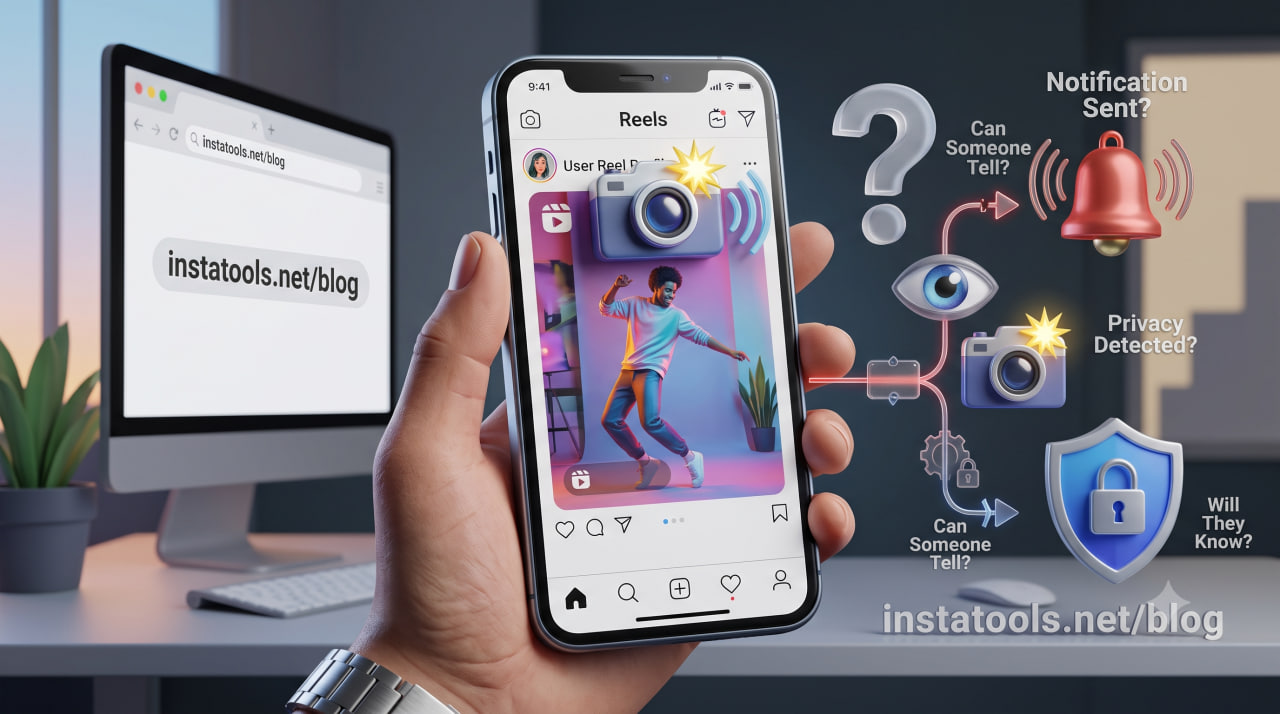
24 Jul
Can Someone Tell If You Screenshot Their Instagram Reel? (2026 Guide)
Instagram Reel screenshot notification 2026 has become a common concern for Instagram users. You find a Reel you want to keep, take a quick screenshot...
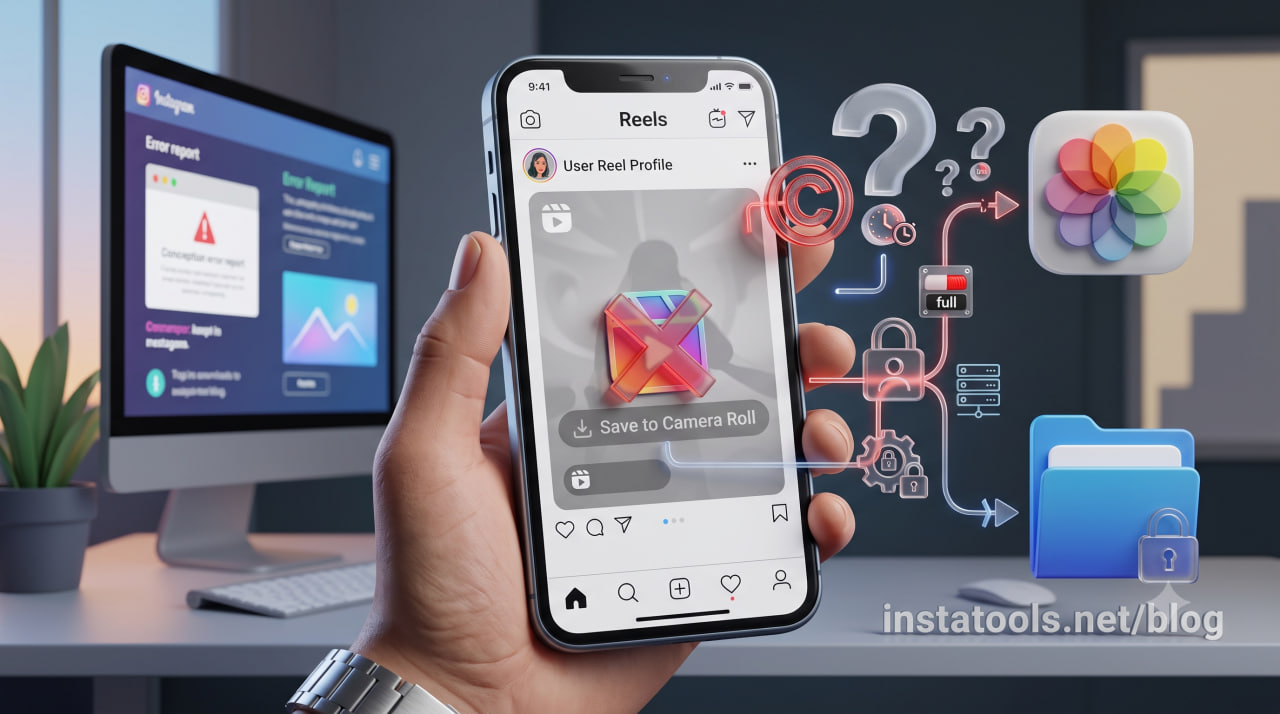
24 Jul
Why Can’t I Save an Instagram Reel to a Camera Roll? (2026 Guide)
You tap Download, wait a moment, and open your gallery, only to find nothing there. If you’re facing Instagram reel not saving to camera roll, t...
Frequently asked questions
-
Is instatools free?
Yes. instatools is completely free to use. You can download Instagram Reels, videos, Stories, photos, profile pictures and copy bios without paying anything, with no hidden fees and no subscription. There is no paid plan; every tool on the site is free for everyone.
-
Do I need an account or to log in to use instatools?
-
Is instatools safe to use?
-
What can I download with instatools?
-
Does instatools add a watermark to downloads?
-
Can people see if I download their Instagram content?